
LoftyBot Update - We're Back! in 2025
After a short break, we’re back in the game!
LoftyBot is being updated and will be continuously maintained going forward. We’re working on a complete redesign of the bot to make it even better!
✅ New Server Added!
We’ve just added support for:
✓ Realera – Arcentis – Now fully supported by LoftyBot!
Already Working:
✓ Tibia-old.com (Works as it did with old Tibia button – multiple OTS support)
Previously Problematic – Now Fixed:
✓ Ramonia
✓ RetroTales
✓ TibiaIdle
✓ DBVictory
✓ Problem with Walker
✓ Tibioner
What’s New?
Technical Improvements: Redesigned data loading functions
– Bot now loads game data more efficiently and reliably Improved stability and performance Better server compatibility
Development Progress:
- We start again regular updates and improvements
- Complete bot redesign in progress
- Expanding server compatibility
- Bug fixes and performance optimization
You will get free LoftyBot Social Pro!
Become popular. Get thousands of likes and subscriptions. Tiktok, Instagram, Facebook, Youtube! https://loftybot.net/social-media-bot/
Read if you first time using bot
1. If the (icon) loftybot.exe program has disappeared or cannot be run, check your antivirus.
– Having basic Windows protection: press Windows + S and type firewall or protection. Check your protection and quarantine history and see if LoftyBot.exe is there. If so, restore it. In the protection options, you can also turn off protection completely or add a program to exceptions.
– Having another type of antivirus program installed on computer You have to make similar steps like described above. Go into your antivirus and check for founded potential threats, delete LoftyBot from quarantine and add to exceptions if needed.
2. If you have a problem – I dont see client. Check the video tutorial on the website to see if you have the minimap set on the right side, hp and mana bar below it, eq, battlelist and bp open below them. You can also check it in the bot in the settings – help section.
3. If the problem still occurs, check if you have it set to 100% https://lofty-tibiabot.com/Thread-I- don-t-see-Client-and-HP-bar-fix
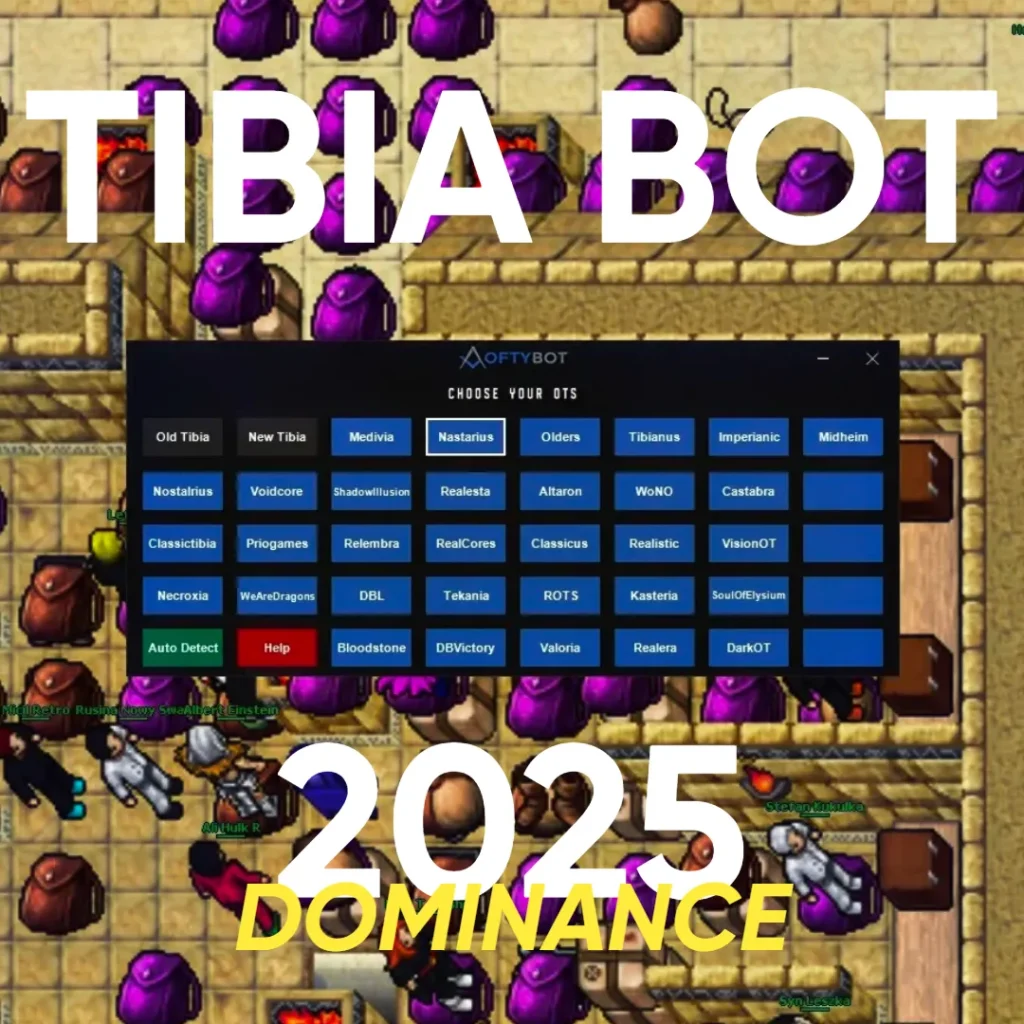
4. Don’t know which OTS to choose from the menu – choose client. Click instead of the given name OTS – auto detect.
5. Hold the mouse cursor over a given function or press the button in the bot – a description of the function and how to use it will appear.
————————————-
Notice:
Auto adapt battlelist is a flexible function to make it compatible LoftyBot to works on all OTS.
Click auto adapt battlelist function if attacker is not attacking properly.
Download LoftyBot link:
Download restricted
Please Buy to see the links



3 Responses
Meu está dando erro com o OT Exordion.
NAO DEIXA REGISTRAR, TAMPOCO DEIXA COMPRAR LICENCIA, AJUDA AE
I cant download…