
LoftyBot Best Tibia Bot of 2025
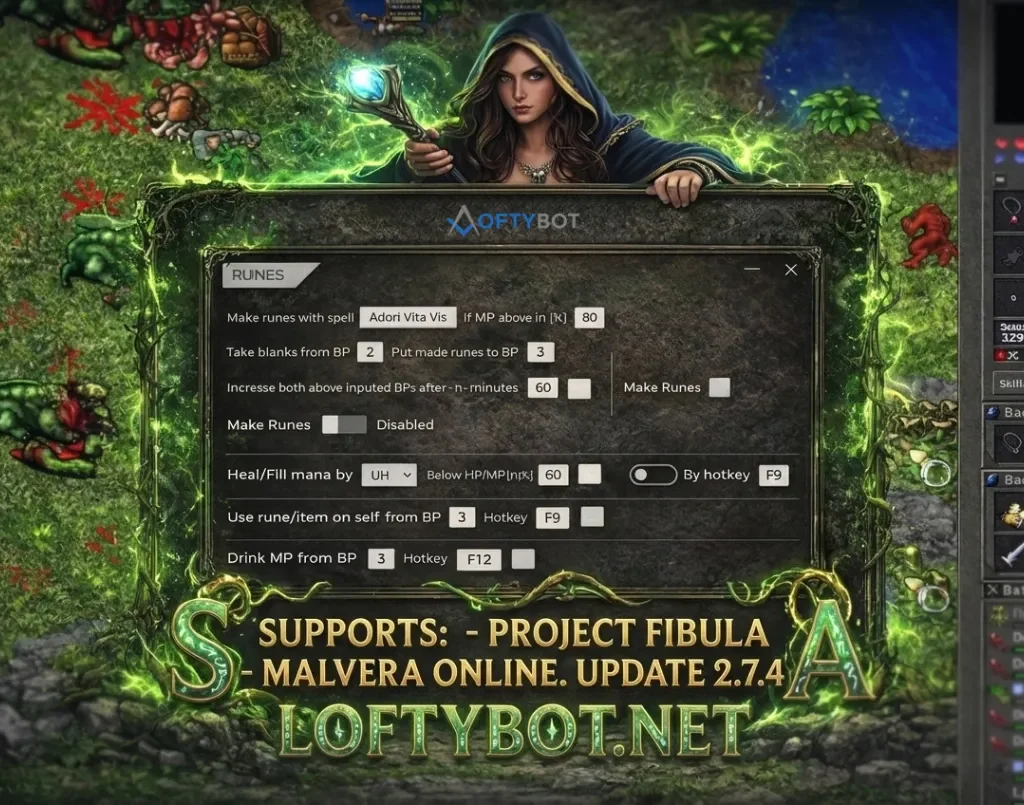
New Server Supports Added!
LoftyBot now works with these servers.
– Project Fibula (https://www.projectfibula.com https://amera.fibula.app)
– Malvera Online (www.malvera.online)
Fixed Compatibility with OTS:
✓ A few already supported servers was fixed
LoftyBot supports a lot of servers:
Check the whole list. LoftyBot works on hundreads of OTS servers.
You will get free LoftyBot Social Pro!
Become popular. Get thousands of likes and subscriptions. Tiktok, Instagram, Facebook, Youtube! https://loftybot.net/social-media-bot/
Read if you first time using bot
1. If the (icon) loftybot.exe program has disappeared or cannot be run, check your antivirus.
– Having basic Windows protection: press Windows + S and type firewall or protection. Check your protection and quarantine history and see if LoftyBot.exe is there. If so, restore it. In the protection options, you can also turn off protection completely or add a program to exceptions.
– Having another type of antivirus program installed on computer You have to make similar steps like described above. Go into your antivirus and check for founded potential threats, delete LoftyBot from quarantine and add to exceptions if needed.
2. If you have a problem – I dont see client. Check the video tutorial on the website to see if you have the minimap set on the right side, hp and mana bar below it, eq, battlelist and bp open below them. You can also check it in the bot in the settings – help section.
3. If the problem still occurs, check if you have it set to 100% https://lofty-tibiabot.com/Thread-I- don-t-see-Client-and-HP-bar-fix
4. Don’t know which OTS to choose from the menu – choose client. Click instead of the given name OTS – auto detect.
5. Hold the mouse cursor over a given function or press the button in the bot – a description of the function and how to use it will appear.
————————————-
Notice:
Auto adapt battlelist is a flexible function to make it compatible LoftyBot to works on all OTS.
Click auto adapt battlelist function if attacker is not attacking properly.
Please check in download section download link fix to LoftyBot (Previous version accidentially shows virus that provide problems with downloads)
Download LoftyBot link:
Download restricted
Please Buy to see the links
2 Responses
Hello, good morning, I bought the bot because I saw it was compatible with Project Fibula, but when I use it, it tells me that I can’t use it because my skill bars do not appear, since the game does not show those options. Can you suggest how to solve it or in what mode to set it to be able to use it?
pudiste solucionarlo?